Importing Large Order Demo
See how fast PolygonLogix handles a 100+ part order with AI parsing.
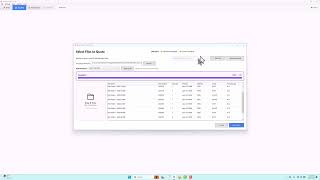
New Quote Entry Demo
Import parts from a purchase order PDF with AI parsing.
Bulk Quote Demo
Generate price breaks for multiple quantity levels in one click.
Quote Materials Demo
Set up sheet pricing with cost per pound and markup for each material.
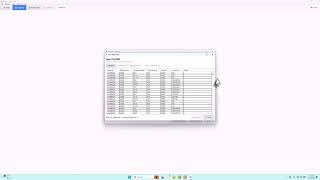
Import Quote Machine Demo
Import machine tech tables from CSV for accurate cutting time calculations.
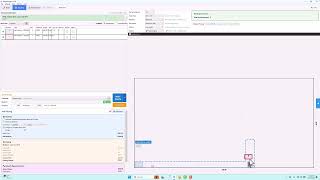
Drag and Drop Demo
Move nested parts manually to fine-tune your layout.
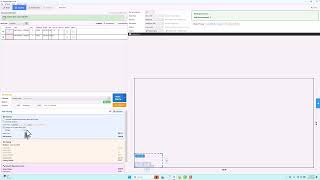
Cropped Area Demo
Charge for only the material you use, not the full sheet.
Material Combinations Demo
See the status of each material combination at a glance with color codes.
Pricing and Defaults Demo
Set up shop rates, labor costs, overhead, and default settings.
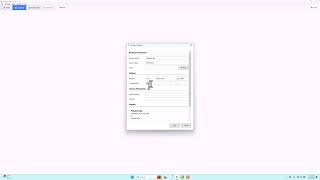
Company Settings Demo
Enter your business info, logo, and branding for quotes and reports.
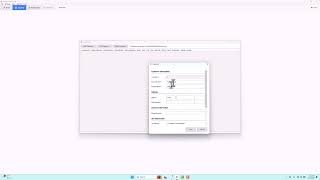
Customer Settings Demo
Manage your customer database with contacts and tax settings.
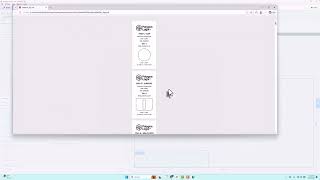
Parts Tag Demo
Print part tags with logo, part number, and details for thermal labels.
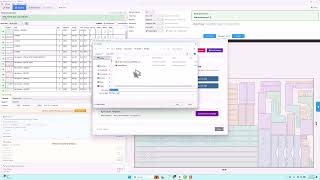
Ops and Rush Fee Demo
Add operations like welding and powder coating, plus rush fees for expedited jobs.
Fix Geometry Demo
Fix open contours and bad geometry with PolygonDraw cleanup tools.
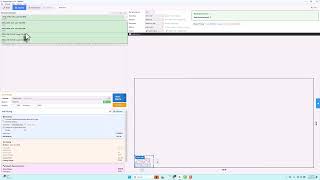
Load Save Quote Demo
Open previously saved quotes with all parts, pricing, and customer info restored.
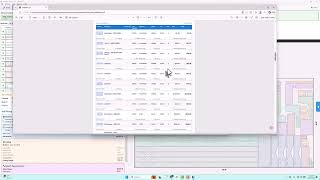
Quote and Confirmation Reports Demo
Generate professional PDF quotes and order confirmations.
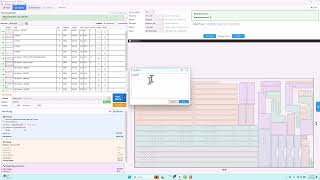
Report Notes Demo
Add job notes, terms, and special instructions to your reports.